
High-quality video is no longer a luxury; it’s an expectation. Viewers demand crystal-clear, immersive experiences, whether they’re watching a live sporting event, a corporate town hall, or a broadcast from their local church. For creators and broadcasters, delivering this level of quality hinges on one critical piece of technology: the 4K streaming encoder. These devices are the engines that power modern high-resolution video delivery, making professional broadcasting accessible to a wider audience than ever before.
As resolutions increase, so does the complexity of sending video over the internet. A 4K stream contains four times the data of a standard 1080p HD stream, presenting a significant challenge for network bandwidth and stability. This is where 4K encoders shine. They compress massive video files into manageable sizes without sacrificing visual fidelity, ensuring your stream reaches its destination smoothly and reliably.
This guide will walk you through everything you need to know about 4K streaming encoders. We’ll explain what they are, how they work, and what features to look for when choosing one. We’ll also cover the top brands and models on the market, common use cases, and how to set up your encoder for optimal performance. By the end, you’ll have the knowledge to select the right 4K encoder to elevate your broadcasts and captivate your audience.
What Is a 4K Streaming Encoder?
A 4K streaming encoder is a device or software application that converts raw 4K video signals into a digital format suitable for streaming over the internet. It acts as the bridge between your camera or video source and your audience’s screens. The encoder takes a high-bandwidth video input, typically from an HDMI or SDI connection, compresses it, and then packages it into an IP stream that can be sent to online platforms like YouTube, Facebook Live, or a private IPTV server.
At its core, an encoder’s job is to solve the problem of file size. An uncompressed 4K video signal is far too large to send over a standard internet connection in real time. The encoder uses sophisticated algorithms, known as codecs, to shrink the video data dramatically while preserving as much quality as possible.
Encoders come in two primary forms: hardware and software.
- Hardware encoders are dedicated physical devices built for one purpose: encoding video. They offer superior reliability, lower latency, and consistent performance because their processing power is entirely focused on the encoding task.
- Software encoders are applications that run on a computer, like OBS Studio or vMix. While they are more flexible and often cheaper, they rely on the computer’s CPU or GPU, which can lead to performance issues if the system is not powerful enough.
How 4K Streaming Encoders Work
The encoding process can be broken down into three main steps: input, compression, and output.
- Input: The encoder receives a raw 4K video and audio signal from a source like a professional camera, a switcher, or a media player. This connection is usually made via an HDMI or SDI cable.
- Compression: This is the heart of the encoding process. The encoder uses a compression standard, or codec, to reduce the file size. For 4K streaming, the two most important codecs are:
- H.264 (AVC): The long-standing industry standard, H.264 is compatible with nearly every device and platform. However, it is less efficient for 4K video, requiring higher bitrates.
- H.265 (HEVC): The modern successor to H.264, HEVC is up to 50% more efficient. This means it can deliver the same 4K quality at half the bitrate, saving significant bandwidth. HEVC is essential for reliable 4K streaming.
- Output: Once compressed, the video is packaged into a transport protocol for delivery over the internet. Common streaming protocols include:
- RTMP (Real-Time Messaging Protocol): The traditional standard for streaming to social media platforms like YouTube and Facebook.
- SRT (Secure Reliable Transport): A modern, open-source protocol that provides low-latency, secure streaming even over unreliable networks. It is quickly becoming the new industry standard.
- HLS (HTTP Live Streaming): An adaptive bitrate protocol developed by Apple, it delivers video in small chunks over HTTP, which allows the player to adjust quality based on the viewer’s network conditions.
- UDP/RTP (User Datagram Protocol / Real-time Transport Protocol): Often used for low-latency streaming on local networks, such as in IPTV systems.
Key Features to Look for in a 4K Streaming Encoder
When shopping for a 4K encoder, here are the essential features to consider:
- HEVC (H.265) Support: This is non-negotiable for 4K streaming. HEVC’s compression efficiency is vital for managing the high bandwidth requirements of 4K video.
- Low-Latency Options: For interactive broadcasts like sports or gaming, low latency is crucial. Look for encoders that support protocols like SRT and offer settings to minimize delay.
- Multi-Bitrate Streaming: Also known as adaptive bitrate streaming, this feature allows the encoder to send multiple versions of your stream at different quality levels simultaneously. The viewer’s player can then automatically select the best stream for their network conditions, preventing buffering.
- Network Stability & Redundancy: Professional encoders often include features like network bonding (combining multiple internet connections like Ethernet, Wi-Fi, and cellular) and redundant power supplies to ensure the stream never fails.
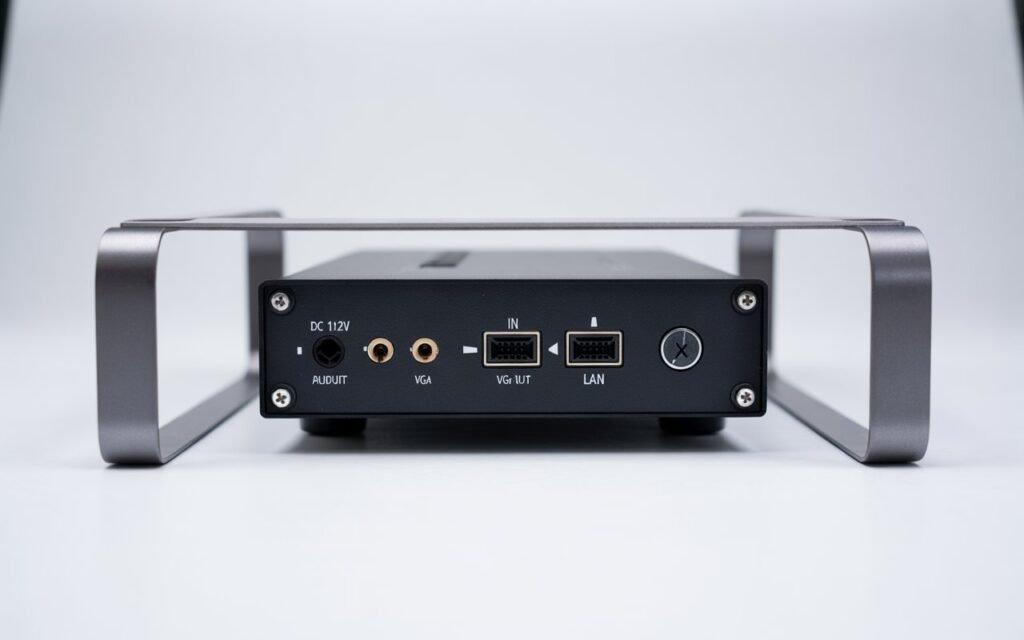
- HDMI vs. SDI Inputs: HDMI is common on consumer and prosumer cameras, while SDI is the standard for professional broadcast equipment due to its locking connectors and longer cable runs. Choose an encoder that matches your camera’s output.
- Audio Encoding Options: Ensure the encoder supports high-quality audio formats like AAC and has options for embedding multiple audio channels if needed.
- Cloud Platform Compatibility: Your encoder should be able to easily stream to your desired destinations, whether it’s public CDNs like YouTube and Facebook or private IPTV servers.
Types of 4K Streaming Encoders
4K encoders can be categorized by their form factor and function.
Hardware Encoders
These dedicated appliances are the most reliable option for professional streaming.
- Portable Encoders: Compact and often battery-powered, these are designed for field use. They are ideal for journalists, live event crews, and anyone streaming on the go. Many include cellular bonding for streaming from remote locations.
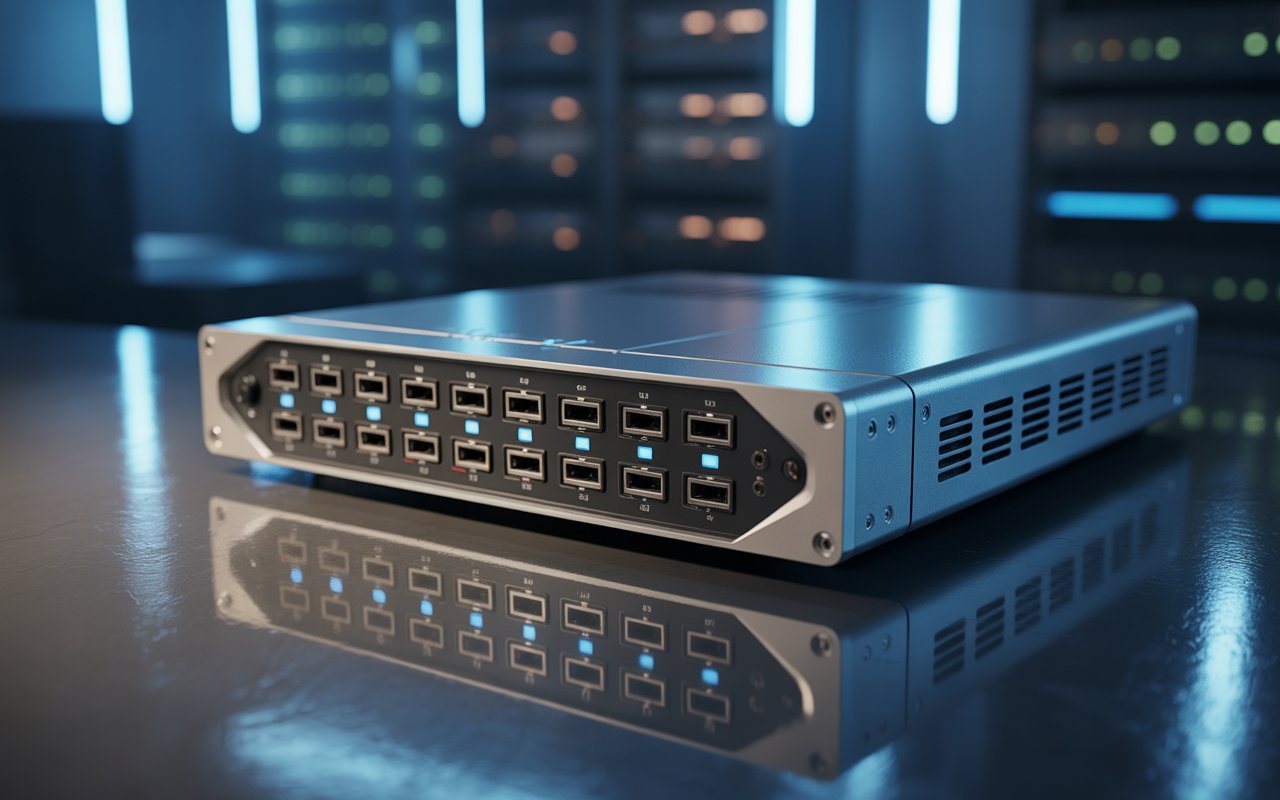
- Rack-Mounted Encoders: These larger units are designed for installation in a control room or data center. They often feature multiple inputs, redundant power supplies, and are built for 24/7 operation, making them perfect for broadcasters and IPTV headends.
Software Encoders
These are applications that run on a standard computer.
- Examples: OBS Studio, vMix, and Wirecast are popular software solutions that can encode and stream in 4K.
- Pros & Cons: Software encoders are highly flexible and cost-effective, but their performance is dependent on the computer’s hardware. A powerful CPU and GPU are necessary for smooth 4K encoding without impacting other system processes.
Hybrid / Cloud Encoders
These solutions leverage the power of the cloud for encoding and transcoding. A lightweight local encoder might send a high-quality stream to a cloud service, which then transcodes it into multiple bitrates for delivery to a global audience. This offloads the heavy lifting from the local hardware.
Best 4K Streaming Encoder Brands
The market is filled with excellent options from reputable brands. Here are a few leaders:
- Teradek: A pioneer in wireless video and portable encoders, known for its rugged Vidiu and Cube series with powerful bonding capabilities.
- Magewell: Offers a wide range of reliable and easy-to-use encoders, particularly popular in the pro-AV and education sectors.
- Blackmagic Design: Known for its affordable yet powerful broadcast equipment, their Web Presenter 4K is a popular choice for integrating with their ATEM switcher ecosystem.
- Kiloview: A fast-growing brand offering a vast portfolio of encoders and decoders that support a wide array of protocols, including NDI, making them a favorite for IP-based workflows.
- PVI (ProVideoInstruments): Specializes in multi-channel rack-mounted encoders for IPTV and enterprise video distribution.
How to Set Up a 4K Streaming Encoder
Setting up an encoder involves both physical connections and software configuration.
Hardware Setup
- Connect Your Source: Plug your camera or video switcher into the encoder’s HDMI or SDI input.
- Connect to the Network: Connect the encoder to the internet using an Ethernet cable. For portable encoders, you may also connect Wi-Fi or cellular modems.
- Power On: Connect the encoder to a power source.
Software Configuration
- Access the Web Interface: Most hardware encoders have a web-based interface. Find the encoder’s IP address and enter it into a web browser on a computer connected to the same network.
- Configure Video Settings: Select your input resolution (e.g., 3840×2160) and frame rate (e.g., 30 or 60 fps).
- Choose Compression and Bitrate: Select the HEVC (H.265) codec. Set your bitrate based on your internet connection’s upload speed. For 4K30, a bitrate of 15-20 Mbps is a good starting point. For 4K60, aim for 25-40 Mbps.
- Select a Protocol and Destination: Choose your streaming protocol (e.g., RTMP or SRT). Enter the server URL and stream key provided by your streaming platform (like YouTube).
- Set Audio Profiles: Ensure your audio input is selected and set the audio codec (usually AAC) and bitrate (128 kbps or higher is recommended).
- Start Streaming: Click the “Start” or “Go Live” button to begin encoding and sending your stream.
Common Issues with 4K Streaming Encoders & Fixes
- Overheating: Encoders generate a lot of heat. Ensure proper ventilation and avoid placing them in enclosed spaces.
- High Latency: If your stream has a significant delay, switch to a low-latency protocol like SRT. Check for any buffers or delays set within the encoder or streaming platform.
- Wrong Bitrate Configuration: A bitrate that is too high for your internet connection will cause dropped frames and buffering. Run an internet speed test and set your bitrate to about 70% of your available upload speed.
- IP Address Conflicts: Ensure the encoder has a unique IP address on your network to avoid connection issues.
- Connection Issues (RTMP/SRT): Double-check that your server URL and stream key are correct. Ensure your network’s firewall is not blocking the ports required by the protocol (RTMP uses port 1935, while SRT uses a user-configurable UDP port).
4K Streaming Encoder Use Cases
- IPTV Streaming: Distributing high-quality live TV channels over private IP networks.
- Live Events: Broadcasting concerts, sports, and conferences to a global audience in stunning detail.
- Broadcast and ENG: For news gathering and live-to-air contributions where quality is paramount.
- House of Worship: Streaming church services in 4K to engage remote congregations.
- Corporate and Education: For high-impact virtual town halls, training sessions, and lectures.
The Future of 4K Streaming Encoders
The world of encoding is always evolving. Here’s what’s on the horizon:
- AV1 Codec: The next-generation, royalty-free codec is even more efficient than HEVC. As hardware support grows, AV1 will become the new standard for 4K and 8K streaming.
- AI-Based Encoding: Encoders will use AI to analyze video content in real time and optimize compression settings on a per-scene basis, maximizing quality while minimizing bitrate.
- Lower-Latency HEVC: Continued improvements to HEVC implementations will further reduce the glass-to-glass delay for live streams.
Final Thoughts: Choosing the Right Encoder for You
A 4K streaming encoder is a powerful tool for any creator or organization serious about video quality. It is the key to unlocking professional, buffer-free 4K broadcasts that can captivate and grow your audience. When selecting an encoder, focus on reliability, HEVC support, and the specific features that match your workflow.
For broadcasters and large enterprises, a rack-mounted solution from a brand like Kiloview or PVI offers the robust performance needed for 24/7 operation. For live event production and mobile streaming, a portable encoder from Teradek or Magewell provides the perfect blend of power and flexibility. And for those on a tighter budget, software encoders like OBS Studio offer a capable entry point into the world of 4K streaming, provided you have a powerful computer to run them.
Investing in a quality 4K encoder is an investment in your content and your audience. By choosing a reliable, professional-grade solution, you ensure that your message is always delivered with the clarity and impact it deserves.
Frequently Asked Questions (FAQ)
How much bandwidth do you need for a 4K streaming encoder?
For a stable 4K stream at 30 frames per second using the HEVC codec, you should have a sustained upload speed of at least 25 Mbps. This allows for a stream bitrate of 15-20 Mbps with some headroom. For 60 fps, aim for an upload speed of 50 Mbps or more.
Can you use these encoders for IPTV servers?
Absolutely. Many 4K encoders, especially rack-mounted models, are specifically designed for IPTV headends. They can ingest satellite or cable feeds and encode them into IP streams (using protocols like UDP or RTP) for distribution across a local or wide area network.
Do all 4K encoders support HEVC?
While most modern 4K encoders support HEVC, some older or cheaper models may not. Given its importance for bandwidth efficiency, you should always verify that any encoder you consider has full HEVC support.
Is a 4K encoder good for low-latency streaming?
Yes, many 4K encoders are excellent for low-latency streaming, provided they support modern protocols like SRT. When paired with an SRT-compatible decoder or platform, you can achieve sub-second latency, which is ideal for interactive applications.
Meta data
Meta title
The Ultimate Guide to 4K Streaming Encoders (2025)
Meta description