
Delivering high-quality video streams is no longer a luxury it’s a necessity. Whether for a hotel, sports bar, or corporate office, viewers expect a flawless, buffer-free experience. This is where an IPTV encoder becomes a critical component of your setup, converting video signals into IP streams for distribution. While many encoders are available, few match the reliability and performance of those from ProVideoInstruments (PVI).
PVI has carved out a reputation for creating professional-grade, durable hardware that simply works. Their encoders are known for stability, ease of use, and exceptional video quality, making them a top choice for demanding IPTV environments. As the need for dependable streaming solutions grows, understanding what sets PVI apart is more important than ever.
This guide will explore everything you need to know about PVI encoder IPTV technology. We’ll cover what PVI encoders are, how they work, and which models are best suited for different applications. By the end, you’ll have the knowledge to select the right PVI encoder to build a robust and professional IPTV system that delivers outstanding results.
What Is a PVI Encoder?
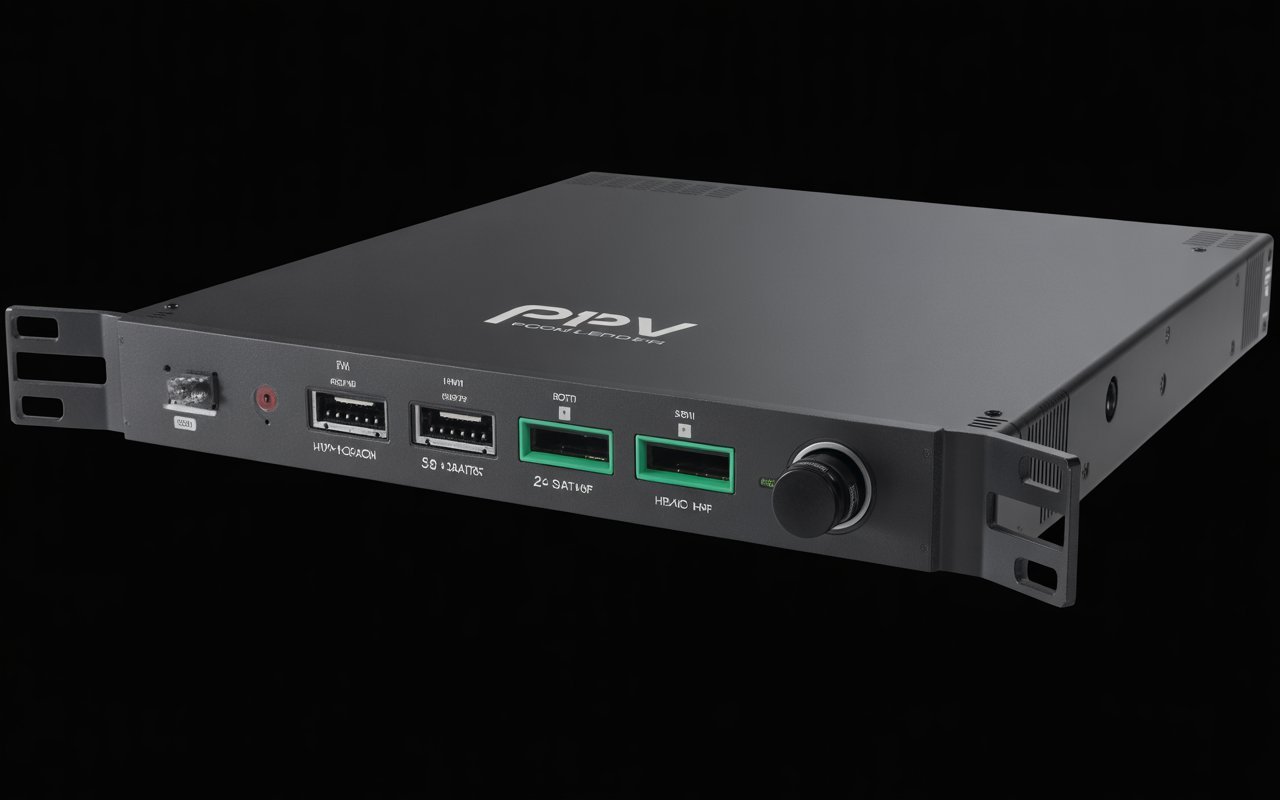
A PVI encoder is a hardware device manufactured by ProVideoInstruments, the company behind the highly regarded VeCOAX line of products. These encoders are specifically designed to convert video and audio signals from sources like cameras, satellite receivers, or media players into IP streams suitable for IPTV distribution.
What makes PVI encoders unique is their focus on professional-grade reliability and simplicity. Unlike many generic or software-based encoders that can be prone to crashes or complex configurations, PVI builds its encoders with high-quality hardware components engineered for continuous, 24/7 operation. This “set it and forget it” philosophy is a core part of their design.
The key difference between a PVI IPTV encoder and a standard encoder lies in its purpose-built nature. While a generic encoder might serve multiple functions with varying degrees of success, PVI encoders are optimized for one primary task: delivering stable, high-quality IPTV streams with minimal fuss. They combine broadcast-level performance with a plug-and-play setup, a combination rarely found in the market.
How PVI Encoders Work for IPTV
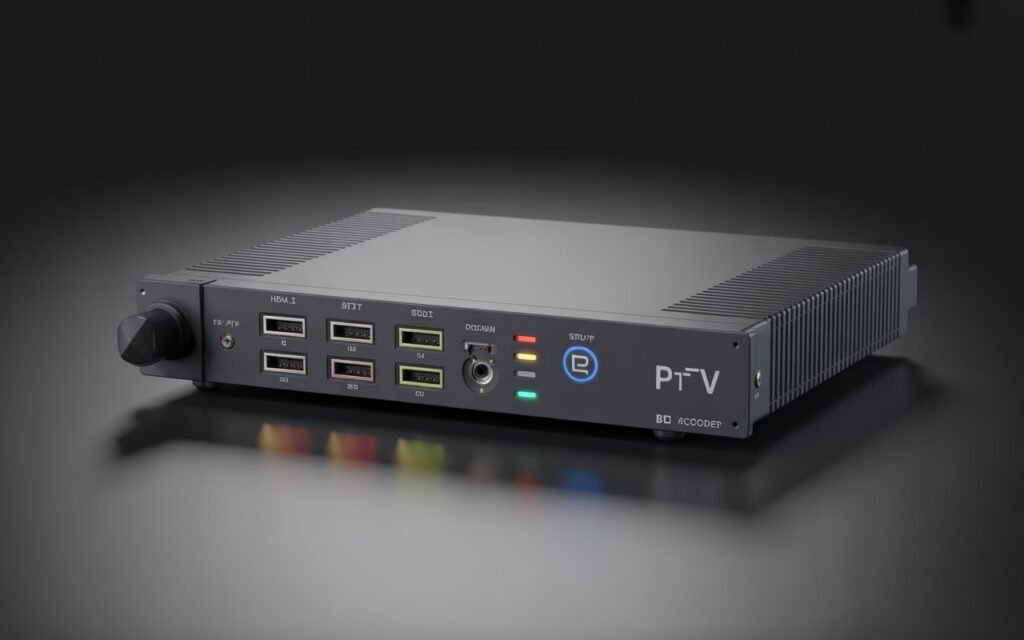
PVI encoders are the bridge between your video source and your IP network. The process begins when you connect a video source, such as a camera or set-top box, to the encoder’s HDMI or SDI input. Once connected, the encoder takes the raw video signal and processes it for IP distribution.
Here’s a breakdown of the core functions:
- Signal Conversion: The encoder captures the uncompressed video and audio from the HDMI or SDI input.
- Compression (Encoding): To make the stream efficient for network travel, the encoder compresses the signal using standard codecs. PVI encoders support the most common formats, including H.264 (AVC) for broad compatibility and H.265 (HEVC) for higher efficiency, which is crucial for 4K streaming as it uses about 50% less bandwidth than H.264. The compressed video is then packaged into an MPEG Transport Stream (MPEG-TS), the standard for broadcast video.
- Streaming: The final step is to send the compressed stream over the network using an IP protocol. PVI encoders support all major streaming protocols, including:
- UDP/RTP: Ideal for local network distribution where low latency is key and packet loss is minimal (e.g., within a hotel or corporate campus).
- RTMP: Commonly used for streaming to online platforms like YouTube, Facebook, or a dedicated media server.
- HLS: An adaptive bitrate protocol created by Apple, perfect for delivering streams to a wide range of devices over the internet, including mobile phones and web browsers.
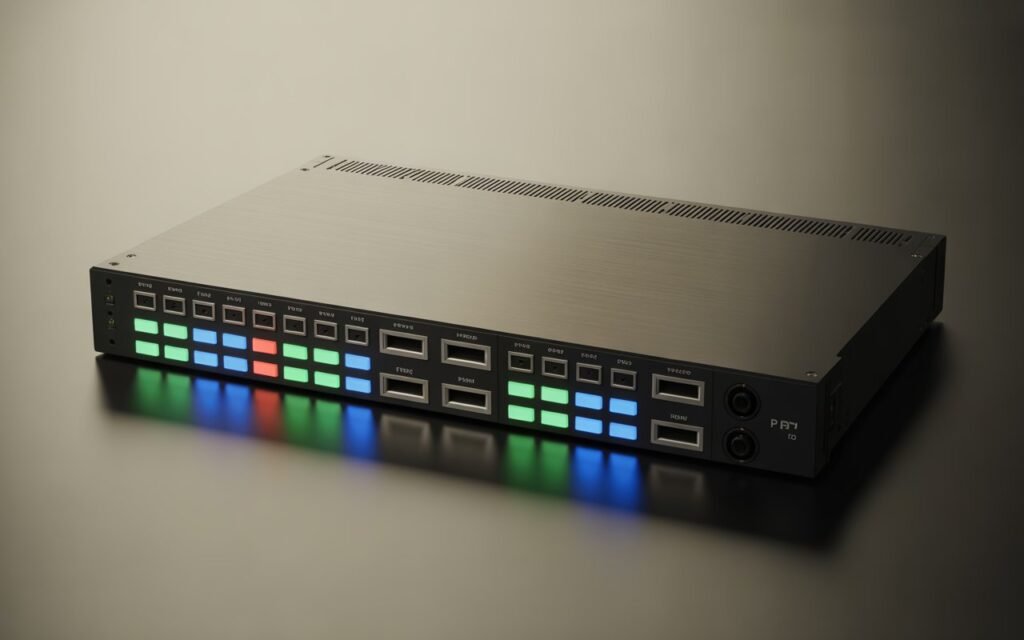
PVI offers both single-channel and multi-channel encoders. A single-channel model processes one video source, while a multi-channel unit can handle multiple sources simultaneously in a single, rack-mountable chassis. This flexibility allows you to build a compact and efficient headend for distributing numerous channels across your IPTV system.
Key Features of PVI IPTV Encoders
PVI encoders come packed with features designed for professional IPTV applications. Here are some of the most important ones:
- HDMI & SDI Input Options: PVI offers models with either HDMI inputs for consumer and prosumer devices or SDI inputs for professional broadcast equipment, ensuring compatibility with any video source.
- 1080p and 4K Compatibility: Whether you’re streaming in standard high definition (1080p) or ultra-high definition (4K), PVI has an encoder to match your needs.
- HEVC (H.265) Compression: Support for HEVC is essential for 4K streaming and for conserving network bandwidth. It allows you to deliver high-quality video using fewer resources.
- Multi-Channel Support: Models like the VeCOAX PRO and Ultra series can encode up to 8 HDMI sources in a single 1RU or 2RU unit, saving rack space and simplifying management.
- Simultaneous RF and IPTV Outputs: Many PVI models, particularly the VeCOAX modulators, can output both an IPTV stream and a traditional RF signal (QAM/ATSC/DVB-T) at the same time. This is perfect for hybrid systems that need to serve both new IP-based TVs and older coaxial-cabled displays.
- Low Latency Performance: PVI encoders are engineered for minimal delay between the video source and the final stream, which is critical for live events and sports.
- Rack-Mount Designs: Designed for professional installations, most PVI encoders feature a standard 19-inch rack-mount chassis, ensuring they fit neatly into any server room or headend.
- Web-Based Management Interface: All configuration is done through an intuitive web interface. There is no need for special software—just connect the encoder to your network, access it from a browser, and set up your streams in minutes.
Best PVI Encoders for IPTV (2025 Buyer’s Guide)
Choosing the right PVI encoder depends on your specific needs, such as the number of channels, required resolution, and budget. Here’s a look at some of the top models for 2025.
1. VeCOAX Ultra Series (e.g., Ultra-8)
- Price Range: $4,000 – $7,000
- Features: Multi-channel HDMI to IPTV encoding, simultaneous RF modulation, Dolby Audio support, closed captioning.
- Inputs: 4 or 8 HDMI inputs.
- Best Use-Case: Large-scale IPTV systems in hotels, hospitals, and corporate environments that require many channels and rock-solid reliability. The hybrid RF output is a major plus for retrofitting older buildings.
- Pros: All-in-one solution for IPTV and RF, extremely stable, space-saving design.
- Cons: Higher initial investment.
2. VeCOAX PRO Series (e.g., PRO-4)
- Price Range: $2,500 – $4,000
- Features: Scalable HDMI to IPTV encoding, independent channel configuration, H.264 compression, user-friendly web UI.
- Inputs: 1, 2, or 4 HDMI inputs.
- Best Use-Case: Small to medium-sized IPTV deployments in sports bars, schools, or churches where reliability is paramount but a large channel count isn’t necessary.
- Pros: Professional-grade performance at a more accessible price point, very easy to set up.
- Cons: Lacks HEVC/H.265 support, limited to 1080p.
3. PVI 4K HDMI Encoder (e.g., VECOAX-MINI-4K)
- Price Range: $800 – $1,200
- Features: Single-channel 4K encoding, HEVC (H.265) and H.264 support, multiple streaming protocols (UDP, RTP, RTMP, HLS), low latency.
- Inputs: 1 HDMI 2.0 input.
- Best Use-Case: Streaming high-quality 4K content for digital signage, live events, or premium IPTV channels. Its compact size also makes it great for portable applications.
- Pros: Affordable 4K encoding, supports modern codecs and protocols, very reliable.
- Cons: Single-channel only.
4. VeCOAX MICROMOD Series
- Price Range: $500 – $900
- Features: Primarily an RF modulator, but some models offer a basic IPTV output.
- Inputs: 1 HDMI input.
- Best Use-Case: Primarily for RF distribution, but it can serve as a simple, low-cost IPTV encoder for a single, non-critical channel.
- Pros: Very affordable, plug-and-play simplicity.
- Cons: Limited IPTV functionality and protocol support compared to dedicated encoders.
Why Choose a PVI Encoder for IPTV?
With so many encoder brands on the market, PVI stands out for several reasons:
- Superior Stability: PVI encoders are built with broadcast-quality hardware designed for 24/7 operation without needing reboots.
- True Plug-and-Play Setup: The web interface is straightforward and intuitive, allowing you to configure streams in minutes, not hours.
- Wide Compatibility: They generate standard-compliant MPEG-TS streams that work with virtually any IPTV player, middleware, or set-top box.
- High-Quality 4K Distribution: PVI’s 4K encoders use HEVC to deliver stunning UHD quality without overloading your network.
- Long-Term Durability: These are not disposable consumer gadgets. PVI encoders are built to last for years in demanding professional environments.
- Professional-Grade Engineering: From fanless designs in smaller units to robust power supplies in larger ones, every detail is engineered for reliability.
PVI Encoder IPTV vs Other Encoder Brands
How does PVI stack up against the competition?
| Feature | PVI | Magewell | Kiloview | Teradek | URay/Digicast |
|---|---|---|---|---|---|
| Video Quality | Excellent | Excellent | Very Good | Excellent | Good |
| Latency | Low | Very Low | Low | Very Low | Variable |
| Build Quality | Excellent | Very Good | Good | Excellent | Fair |
| Ease of Use | Excellent | Good | Good | Good | Fair |
| Stability | Excellent | Very Good | Good | Very Good | Fair |
| Pricing | Mid-Range | High-End | Mid-Range | High-End | Low-End |
| Customer Support | Very Good | Good | Good | Excellent | Limited |
- Magewell & Teradek: These brands are industry leaders, especially in the live production space. They offer ultra-low latency and advanced features but come at a premium price. PVI offers comparable stability and quality for IPTV distribution at a more competitive price point.
- Kiloview: A strong competitor with a wide range of products, but PVI generally offers a more streamlined, plug-and-play experience for dedicated IPTV systems.
- URay & Digicast: These budget brands are popular on platforms like Amazon and Alibaba. While they can work for non-critical applications, they often suffer from unreliable firmware, poor support, and a higher failure rate, making them unsuitable for professional 24/7 use. PVI is a significant step up in reliability and performance.
Installation Guide: How to Set Up a PVI Encoder for IPTV
Setting up a PVI encoder is a simple process:
- Connect Your Source: Plug your HDMI or SDI video source into the encoder’s input port.
- Connect to Network: Connect the encoder’s Ethernet port to your network switch.
- Power On: Plug in the power adapter and turn the unit on.
- Access the Web Interface: Find the encoder’s IP address (often displayed on the front panel or found using a network scanning tool) and enter it into a web browser.
- Configure Video Settings: In the web UI, select the input channel. Set the desired resolution (e.g., 1920×1080) and bitrate. A good starting point for 1080p H.264 is 4-6 Mbps.
- Choose Streaming Protocol: Go to the streaming settings and select your protocol (e.g., UDP). Enter the multicast IP address (e.g., 239.0.0.1) and port (e.g., 1234) for your stream.
- Test the Stream: Use an IPTV player like VLC to open the network stream (e.g.,
udp://@239.0.0.1:1234) and verify that the video and audio are working correctly. - Integrate with Your System: Add the stream URL to your IPTV middleware or directly to your compatible smart TVs or set-top boxes.
Common Issues & How to Fix Them
Even the best hardware can run into issues. Here are some common problems and their solutions:
- No Video Signal: Check your HDMI/SDI cable and ensure the source is outputting a compatible resolution. Verify the input status in the web UI.
- Stream Buffering: This is often a network issue. Ensure your network switches support IGMP snooping for multicast traffic. You may also need to lower the stream’s bitrate if bandwidth is limited.
- IPTV Client Not Detecting the Stream: Double-check that your firewall is not blocking the ports used by the stream. Confirm the multicast IP and port match in both the encoder and the player.
- Audio Not Syncing: This is rare with PVI encoders but can happen. Check for a firmware update or try rebooting both the encoder and the source device.
- Overheating: Ensure the encoder has proper ventilation and is not stacked directly on top of other hot equipment.
Who Should Use PVI IPTV Encoders?
PVI encoders are ideal for any organization that needs to distribute live video reliably over an IP network. Key industries include:
- IPTV Providers: For delivering channels to subscribers.
- Hotels & Hospitality: For in-room entertainment systems.
- Schools & Universities: For campus-wide announcements and distance learning.
- Churches: For streaming services to overflow rooms or online.
- Sports Bars: For distributing multiple game feeds to dozens of screens.
- Stadiums: For delivering live action and digital signage to displays throughout the venue.
- Corporate Offices: For company-wide meetings and training.
A New Standard for Streaming
PVI encoder IPTV solutions represent a perfect balance of professional performance, reliability, and ease of use. While budget encoders may seem tempting, the long-term value of a stable, high-quality system cannot be overstated. By investing in purpose-built hardware like a PVI encoder, you ensure that your IPTV system will run smoothly for years to come, delivering a flawless viewing experience that your audience will appreciate.
When you’re ready to build or upgrade your IPTV headend, consider the channel count, resolution, and features you need. By choosing the right PVI model, you’ll be investing in a solution that not only meets your current demands but is also ready for the future of video distribution.