
IPTV Smarters Pro is one of the most popular apps for streaming live TV, movies, and series. Its user-friendly design and robust features make it a top choice for IPTV users everywhere. However, there’s a lot of confusion surrounding what the app actually does, especially regarding its subscription. Many people mistakenly believe the app itself provides TV channels.
It’s crucial to understand that IPTV Smarters Pro is simply a media player. It does not provide any content, channels, or playlists. You must have your own subscription from a separate IPTV service provider to use it. This distinction is vital for setting up the app correctly and understanding its value.
If you’re considering this app or want to get more out of it, you’ve come to the right place. In this guide, we explain everything you need to know about the IPTV Smarters Pro subscription and how to set it up for the ultimate streaming experience.
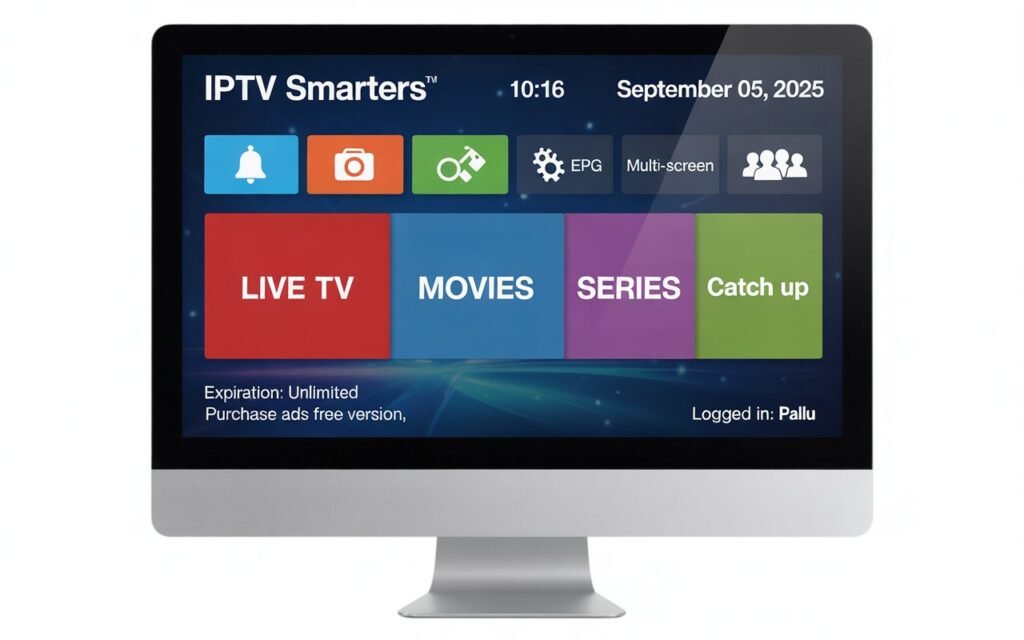
What Is IPTV Smarters Pro?
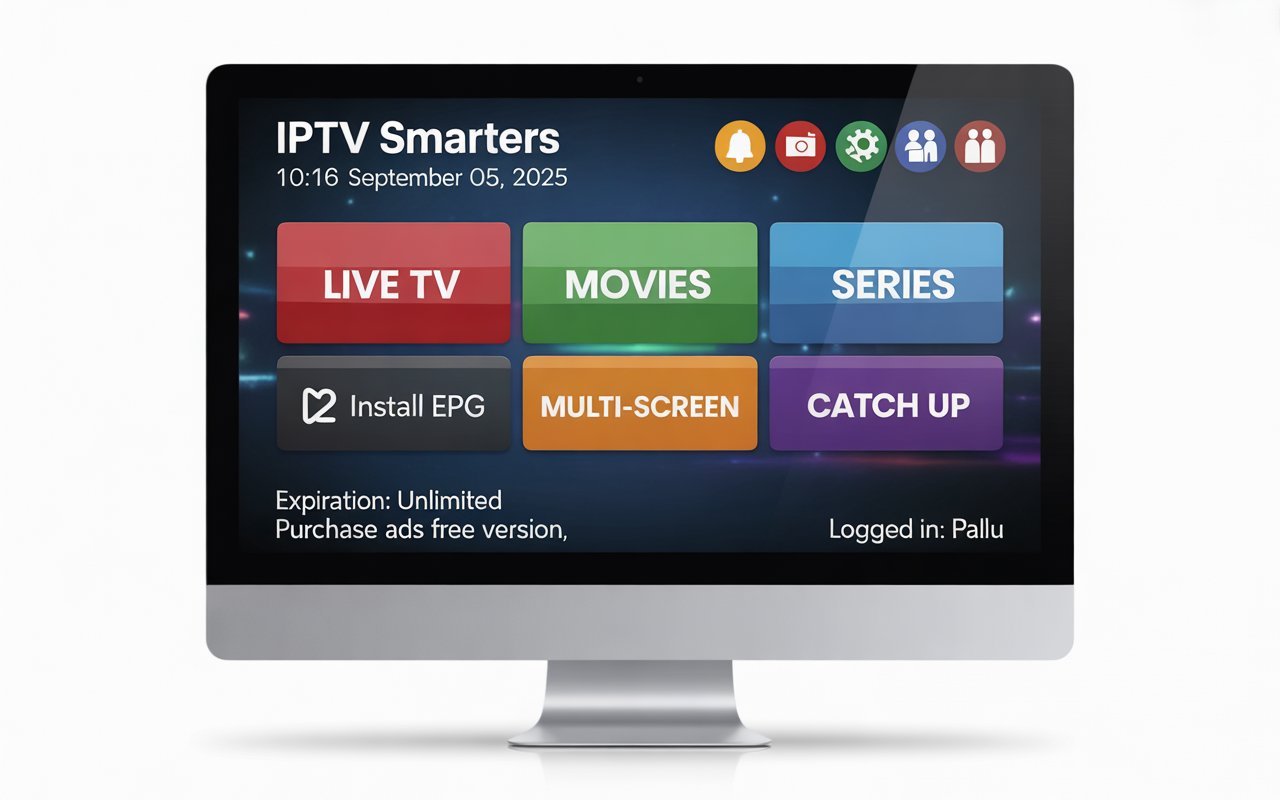
IPTV Smarters Pro is an application that allows you to stream content from your IPTV provider on various devices. Think of it as a powerful and sophisticated video player designed specifically for IPTV services. Instead of watching through a generic web player or a clunky app, IPTV Smarters Pro provides a polished, TV-like interface that organizes your channels, movies, and shows.
The app’s primary role is to connect to your IPTV provider’s server using credentials like an M3U playlist URL or Xtream Codes API. Once connected, it beautifully organizes the content, complete with an Electronic Program Guide (EPG), channel categories, and movie posters.
It supports a wide range of devices, including:
- Android smartphones and tablets
- iOS devices (iPhone, iPad)
- Amazon FireStick and Fire TV
- Android TV boxes
- Smart TVs (LG, Samsung)
- Windows PC and macOS
Users often prefer IPTV Smarters Pro over other players because of its intuitive layout, fast loading speeds, and the premium features unlocked with its subscription.
Understanding the IPTV Smarters Pro Subscription
The app offers both a free and a paid (premium) version. While the free version is functional for basic streaming, the IPTV Smarters Pro subscription unlocks a suite of features that significantly enhance the viewing experience.
Free Version vs. Paid Version
The free version allows you to log in with your IPTV provider, stream live TV, watch video-on-demand (VOD), and access series. It’s a great starting point, but it comes with limitations, including banner ads and a lack of advanced features.
The paid version, activated via a one-time lifetime payment, removes ads and unlocks a host of powerful tools.
What the Subscription Unlocks
Here’s what you get when you upgrade to the premium version:
- Multi-Screen: Watch up to four channels simultaneously on a single screen. This is perfect for sports fans who want to keep an eye on multiple games at once.
- Live TV with EPG: Enjoy a professional-grade Electronic Program Guide that shows what’s on now and what’s coming up next.
- VOD & Series Section: Browse movies and TV series with an attractive interface that includes cover art, ratings, and descriptions.
- Parental Controls: Set a PIN to block specific categories or channels, ensuring a safe viewing environment for children.
- External Player Support: Integrate third-party players like VLC or MX Player if you prefer their playback capabilities.
- Fast Zapping: Quickly switch between channels with minimal buffering or lag.
Is the IPTV Smarters Pro Subscription Worth It?
For casual users, the free version might suffice. However, for anyone who uses IPTV as their primary source of entertainment, the premium subscription is a small price to pay for a vastly improved experience. The removal of ads, multi-screen viewing, and advanced parental controls make it a worthwhile investment for a smoother, more professional streaming setup.
IPTV Smarters Pro Features (Detailed Breakdown)
Let’s explore the standout features that make this app a fan favorite. With the IPTV Smarters Pro subscription, users gain advanced streaming features that elevate it above many competitors.
- User-Friendly Interface: The app’s dashboard is clean, modern, and easy to navigate. Everything is clearly labeled, making it simple to find live TV, movies, or series.
- Supports Multiple Login Methods: It is compatible with the most common IPTV authentication methods, including M3U playlist URLs and the more stable Xtream Codes API.
- Built-in Video Player: The default player is robust, supporting most video formats and offering essential playback controls.
- Subtitle Support: You can load external subtitle files or use embedded subtitles provided by your IPTV service.
- Category Organization: The app automatically sorts your channels, VOD, and series into logical categories, making it easy to find what you want to watch.
- Catch-up TV: If your IPTV provider offers a catch-up (or replay) feature, IPTV Smarters Pro allows you to watch programs that have already aired.
How to Get an IPTV Smarters Pro Subscription
Purchasing and activating the premium version is straightforward but requires caution to avoid scams.
Where to Purchase: The premium subscription should only be purchased directly within the IPTV Smarters Pro app itself. You will typically see an “Upgrade to Premium” or similar button on the app’s home screen.
How to Activate: Once you make the payment through the official app store (Google Play Store or Apple App Store), the premium features are unlocked automatically.
Platform-Specific Steps
- Android/Firestick: Open the app, navigate to the main dashboard, and select the upgrade option. Follow the on-screen prompts to complete the purchase.
- iOS: Similar to Android, find the premium upgrade option within the app and pay through your Apple account.
How to Avoid Fake Sellers
Be wary of websites or third-party sellers claiming to offer IPTV Smarters Pro subscriptions. These are often scams. The only legitimate way to upgrade is through the official app on your device.
How to Add Your IPTV Provider to IPTV Smarters Pro
Once you have the app installed, you need to connect it to your IPTV service. Here are the common methods:
Using M3U Playlist URL
- Open IPTV Smarters Pro and select “Add User.”
- Choose “Login with M3U URL.”
- Enter a name for your playlist.
- Paste the M3U URL provided by your IPTV service.
- Click “Add User” and the app will load your content.
Using Xtream Codes API
This method is generally more stable and recommended.
- Select “Login with Xtream Codes API.”
- Enter any name for the playlist.
- Enter the Username, Password, and Server URL provided by your IPTV provider.
- Click “Add User.”
Remember, IPTV Smarters Pro does not sell channels or provide these login details. You must obtain them from a separate IPTV subscription service.
Best IPTV Providers to Use With IPTV Smarters Pro
Since IPTV Smarters Pro is just a player, its performance depends heavily on the quality of your IPTV provider. Here are some services known to work well with the app:
- IPTVUrban: Known for its stable servers and extensive VOD library.
- XtremeHD IPTV: Offers a wide range of international channels and excellent customer support.
- Falcon IPTV: A popular choice for sports fans, providing reliable streams for major events.
- IPTV Trends: Features a large channel lineup and multi-device support.
- OTT Platinum: Another solid option with a good mix of live TV and on-demand content.
These providers typically offer stable connections and well-organized playlists, which allows IPTV Smarters Pro to function at its best.
Is an IPTV Smarters Pro Subscription Safe and Legal?
IPTV Smarters Pro itself is a legitimate and legal application available on major app stores. It is simply a media player.
However, the legality of its use depends entirely on the IPTV service you connect to it. If your provider has the proper licenses to distribute the channels they offer, your use is legal. If they are streaming copyrighted content without permission, it falls into a legal gray area.
For privacy and security, using a Virtual Private Network (VPN) is highly recommended. A VPN encrypts your internet traffic, hiding your streaming activity from your internet service provider (ISP) and preventing potential throttling or blocking.
Troubleshooting IPTV Smarters Pro
Even with a great app, you might run into issues. Here are some common problems and their solutions:
- App Not Loading: Try clearing the app’s cache or reinstalling it.
- EPG Not Updating: On the main screen, click “Update EPG” or go to settings and refresh the EPG data.
- Channels Freezing: This is often caused by a poor internet connection or an unstable IPTV provider. Test your internet speed and consider using a VPN.
- Login Errors: Double-check your login credentials. Ensure there are no typos in your username, password, or server URL.
- Device Compatibility Issues: Make sure you have downloaded the correct version of the app for your device.
IPTV Smarters Pro vs. Other IPTV Apps
How does Smarters Pro stack up against the competition?
| Feature | IPTV Smarters Pro | TiviMate | XCIPTV | Smarters Lite | SmartOne IPTV |
|---|---|---|---|---|---|
| User Interface | Modern & Clean | Highly Customizable | Functional | Basic | Minimalist |
| Multi-Screen | Yes (Premium) | Yes (Premium) | Yes (Premium) | No | No |
| Catch-up TV | Yes | Yes | Yes | Yes | Yes |
| EPG Style | Classic Grid | Multiple Styles | Basic Grid | Basic | Grid/List |
| Parental Controls | Yes (Premium) | Yes (Premium) | Yes (Premium) | No | Yes |
| Pricing Model | One-time Fee | Annual/Lifetime | Usually Provider-Branded | Free | Annual Fee |
TiviMate is a major competitor, praised for its deep customization options. However, IPTV Smarters Pro offers a simpler, out-of-the-box experience that many users prefer.
Frequently Asked Questions
Is IPTV Smarters Pro free?
Yes, the app has a free version with basic features. A premium version with advanced features is available for a one-time fee.
Do I need a subscription for IPTV Smarters Pro?
You don’t need a subscription to use the basic features. However, a premium subscription is required to unlock advanced tools like multi-screen and parental controls.
Does IPTV Smarters Pro include channels?
No. It is a media player only. You must purchase an IPTV service from a separate provider to get channels.
Is IPTV Smarters Pro good for Firestick?
Yes, it is one of the most popular and best-performing IPTV apps for Amazon Firestick due to its simple remote-friendly interface.
How many devices can I use the premium subscription on?
The premium subscription is typically tied to your account (e.g., Google or Apple) and can be used on multiple devices under that same account. However, policies may vary, so check within the app.
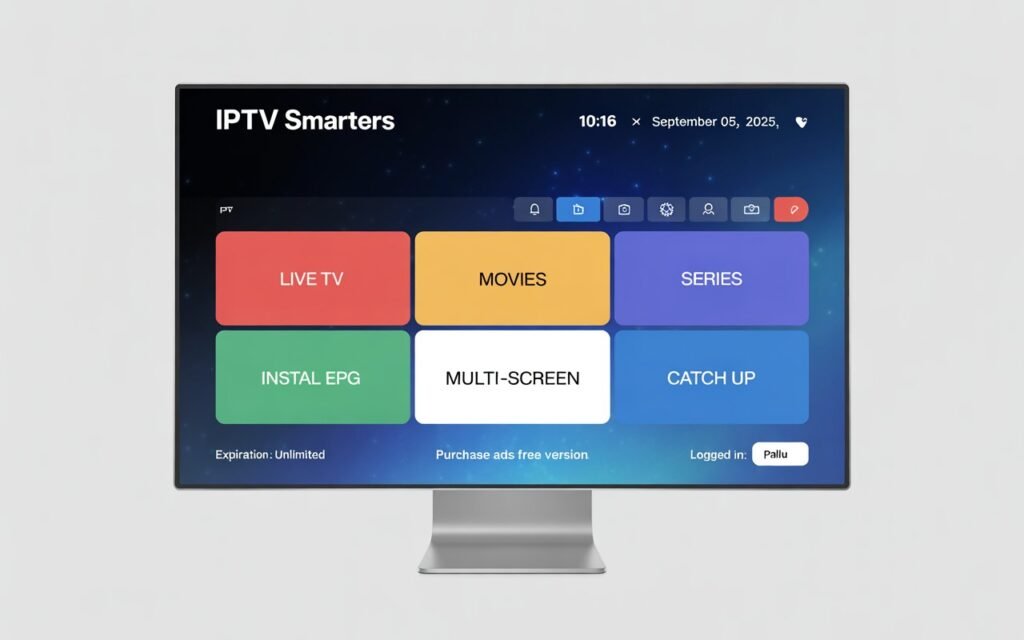
The Final Verdict
So, who should get the IPTV Smarters Pro subscription? If you’re an IPTV user who wants a polished, reliable, and feature-rich viewing experience, the upgrade is an easy decision. The app is ideal for those who value a clean interface, multi-screen capabilities for sports, and robust parental controls for family viewing.
While the free version works, the premium features transform the app from a simple player into a comprehensive media hub. Overall, the IPTV Smarters Pro subscription is a great upgrade for users who want smoother streaming, a cleaner interface, and premium features.