
Video streaming is no longer just an option; it’s a core part of how we communicate, entertain, and do business. From live event broadcasts to IPTV services, the demand for high-quality video has exploded. As we move further into 2025, standard definition is obsolete, and even 1080p is quickly being replaced by a new standard: 4K Ultra HD. This shift isn’t just about more pixels; it’s about delivering an immersive, crystal-clear experience that audiences now expect.
To meet this demand, you need specialized hardware. Enter the 4K HDMI encoder, a critical piece of technology that makes ultra-high-definition streaming possible. These devices are the unsung heroes behind professional live streams, robust IPTV networks, and high-quality security feeds. Without them, the seamless 4K content we enjoy on platforms like YouTube, Twitch, and private streaming services simply wouldn’t exist.
This guide will explain everything you need to know about 4K HDMI encoders. We’ll break down what they are, how they work, and why they are essential for anyone serious about professional video delivery. Whether you’re in broadcasting, live event production, or managing an IPTV service, understanding this technology is key to staying ahead.

What Are 4K HDMI Encoders?
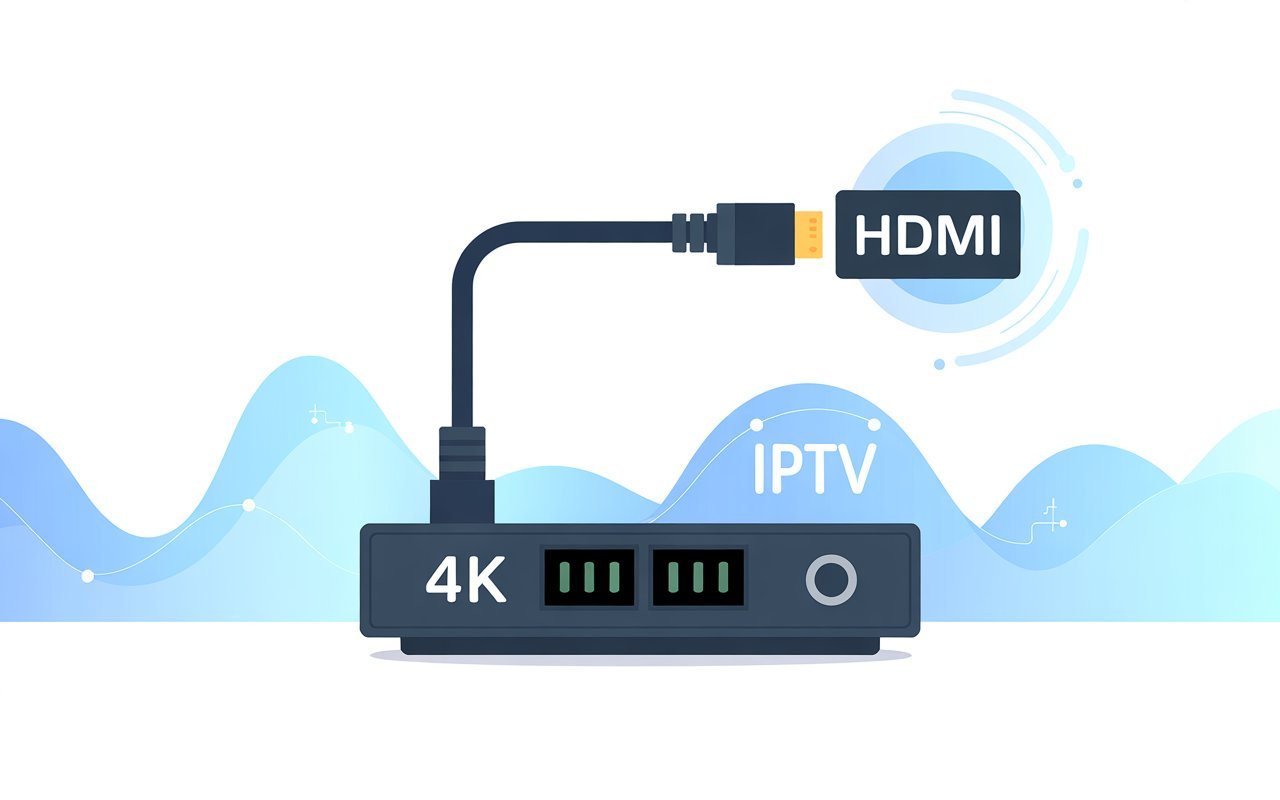
Let’s start with the basics. An HDMI encoder is a device that takes a video and audio signal from an HDMI source like a camera, a computer, or a set-top box and converts it into a digital format suitable for streaming over the internet or a private network. A 4K HDMI encoder specifically handles video signals with a resolution of 3840 x 2160 pixels, also known as 4K Ultra HD (UHD).
It’s important not to confuse encoders with transcoders or modulators.
- Encoder: Compresses a raw video source into a digital format (e.g., H.264/H.265).
- Transcoder: Converts an already-encoded video from one format or bitrate to another.
- Modulator: Converts a digital signal into a radio frequency (RF) signal for distribution over coaxial cable networks.
The primary job of a 4K HDMI encoder is compression. Raw 4K video files are enormous and impossible to stream efficiently. The encoder uses a compression standard, or codec, to shrink the file size while preserving as much quality as possible. The two most common codecs are:
- H.264 (AVC): The long-standing industry standard, compatible with almost every device and platform. It offers a good balance of quality and file size.
- H.265 (HEVC): The successor to H.264, HEVC is significantly more efficient. It can deliver the same video quality as H.264 at roughly half the bitrate, making it the standard for 4K streaming and modern IPTV services where bandwidth conservation is crucial.
How 4K HDMI Encoders Work
The process of turning a live video feed into a streamable format is a marvel of real-time processing. Here’s a simplified breakdown of the workflow:
- HDMI Input: The encoder receives the uncompressed 4K video and audio signal from a source device via an HDMI cable.
- Real-Time Compression: The encoder’s internal processor immediately begins compressing the video using the selected codec (H.264 or HEVC) and the audio using a codec like AAC. This is the most resource-intensive step. Some encoders use dedicated hardware chips (hardware-accelerated encoding) for this, which is more stable and efficient than relying on a general-purpose CPU (software encoding).
- IP Output: The compressed data is packaged into a transport protocol for delivery over an IP network.
Encoders support various protocols, each suited for different applications:
- RTMP (Real-Time Messaging Protocol): The standard for streaming to social media platforms like YouTube, Facebook Live, and Twitch.
- RTSP (Real-Time Streaming Protocol): Often used for local network streaming, like in CCTV and security systems.
- SRT (Secure Reliable Transport): A modern, open-source protocol that provides low-latency, secure streaming over unpredictable networks. It’s quickly becoming a favorite for professional broadcasters.
- HLS (HTTP Live Streaming): Developed by Apple, this protocol delivers video over standard HTTP, making it great for reaching a wide audience on websites and mobile devices.
- UDP / RTP (User Datagram Protocol / Real-time Transport Protocol): Commonly used in IPTV systems for broadcasting live channels efficiently to many subscribers simultaneously (multicast).
Benefits of Using 4K HDMI Encoders
Upgrading to a 4K HDMI encoder offers more than just a better picture. It provides a suite of professional features that enhance the entire streaming workflow.
Ultra-High Resolution Output
The most obvious benefit is the ability to stream in true 4K UHD. This resolution offers four times the number of pixels as 1080p, resulting in incredibly sharp, detailed, and vibrant images. For IPTV and OTT providers, this is a premium feature that attracts and retains subscribers. For live events, it creates a more immersive and professional-looking production.
Efficient Compression with HEVC
The adoption of the H.265/HEVC codec is a game-changer. By compressing video more efficiently, it allows you to:
- Save Bandwidth: Stream high-quality 4K video using less internet bandwidth.
- Reduce Buffering: Viewers with slower internet connections can still enjoy a smooth, buffer-free experience.
- Stream Over Weak Networks: It makes high-quality streaming viable over cellular or unreliable Wi-Fi networks.
Multiplatform Streaming
Most professional encoders can send your stream to multiple destinations simultaneously. This means you can broadcast a live event to YouTube, Facebook, and your company website all at once, maximizing your reach without needing separate equipment. Many encoders also offer direct integration with IPTV middleware like XTREAM UI, Stalker, or Ministra.
Professional-Level Stability & Low Latency
For professional applications, stability is often more important than resolution. A stream that drops or freezes is unusable. Hardware encoders are built for 24/7 operation, with robust cooling and dedicated processing that prevents crashes. Furthermore, they can achieve ultra-low latency, which is critical for interactive applications like sports broadcasting, church livestreams, and gaming, where the delay between the live action and the stream needs to be minimal.
Multi-Channel Encoding
Some advanced models are equipped with multiple HDMI inputs, allowing them to encode several 4K sources simultaneously. This is incredibly useful for IPTV headends or large production studios that need to manage multiple channels from a single device, saving space and cost.
Who Needs a 4K HDMI Encoder?
While casual streamers might get by with software, dedicated hardware encoders are indispensable for a range of professional users.
- IPTV Service Providers: For ingesting channels from satellite receivers or other sources and broadcasting them reliably to subscribers 24/7. UDP/RTP multicast support is a key feature here.
- Live Event Streamers: Anyone broadcasting conferences, sports, concerts, or religious services needs the stability and low latency that hardware encoders provide.
- Video Security & CCTV: For streaming high-resolution surveillance feeds over an IP network to a central monitoring station or recorder.
- Content Creators & Production Studios: For creating high-quality, professional-grade live content for platforms like YouTube and Twitch or for internal corporate broadcasts.
Key Features to Look for in a 4K HDMI Encoder
When choosing an encoder, it’s easy to get lost in technical specifications. Here are the most important features to consider:
- Video & Audio Codecs: Ensure it supports H.265 (HEVC) for 4K streaming and H.264 for broader compatibility. For audio, look for AAC, which is widely supported.
- Protocol Support: It should support the protocols you need, such as RTMP for social media, SRT for reliability, and UDP/HLS for IPTV.
- Bitrate Control: The ability to set a Constant Bitrate (CBR) or Variable Bitrate (VBR) is essential for managing stream quality and bandwidth.
- Latency Performance: Look for encoders that advertise “low” or “ultra-low” latency if real-time interaction is important for your use case.
- Multi-Channel Input: If you need to manage multiple sources, consider a multi-channel encoder.
- Web Interface & Remote Management: A user-friendly web UI makes configuration and remote management simple.
- Hardware Build Quality: Pay attention to the physical construction. Good cooling, low operational noise, and a reliable power supply are signs of a professional-grade device.
How to Set Up a 4K HDMI Encoder
Setting up a hardware encoder is generally straightforward. Here’s a typical step-by-step guide:
- Connect Your Source: Plug an HDMI cable from your camera, PC, or set-top box into the encoder’s HDMI input.
- Access the Web UI: Connect the encoder to your network via an Ethernet cable and find its IP address to access the web-based control panel from your computer.
- Choose Video Format: In the settings, select your desired resolution and frame rate, such as 4K (3840×2160) at 30fps or 60fps.
- Select the Codec: Choose HEVC (H.265) for the best efficiency with 4K video.
- Configure Output Protocol: Enter the details for your destination. For RTMP, this would be the server URL and stream key from YouTube or Facebook. For IPTV, you might enter a UDP multicast address.
- Set the Bitrate: For a 4K 30fps stream using HEVC, a bitrate between 10,000 to 15,000 kbps is a good starting point. Adjust based on your internet speed and desired quality.
- Start Streaming: Click the “Start” or “Encode” button, and your video feed will be live!
Common Problems and How to Fix Them
- Overheating: Ensure the encoder has proper ventilation. Don’t stack devices on top of it. If it continues to overheat, it may be a sign of a faulty or poorly designed unit.
- Buffering or Freezing Streams: This is often a network issue. Check your internet upload speed. If your bandwidth is limited, lower the stream’s bitrate. Using the SRT protocol can also help mitigate packet loss on unreliable networks.
- Audio Out of Sync: This is known as lip-sync error. Most professional encoders have an audio delay setting in their web UI that allows you to manually adjust the timing to bring it back in sync.
- Wrong Bitrate Settings: Setting the bitrate too high for your network will cause dropped frames. Setting it too low will result in poor video quality. Run an internet speed test and set your bitrate to about 75% of your available upload speed.

The Future of 4K HDMI Encoders (2025–2030 Trends)
The world of video encoding is constantly evolving. Here are a few trends to watch:
- AI-Assisted Encoding: AI algorithms will be used to analyze video content in real-time and dynamically adjust encoding parameters for optimal quality and efficiency.
- AV1 Codec Adoption: AV1 is a new, royalty-free codec that is even more efficient than HEVC. As hardware support grows, it will become the next standard for 4K and 8K streaming.
- Ultra-Low Latency: The push for sub-second latency will continue, driven by the growth of interactive streaming and remote production.
- Cloud-Based Adaptive Encoding: More encoding tasks will move to the cloud, allowing for powerful, scalable, and adaptive bitrate streaming solutions.
Investing in the Future of Streaming
The transition to 4K is not a fleeting trend; it’s the new benchmark for professional video. A high-quality 4K HDMI encoder is a foundational investment for any organization serious about delivering a superior viewing experience. By providing ultra-high-resolution output, efficient compression, and rock-solid stability, these devices empower content creators, broadcasters, and IPTV providers to meet and exceed audience expectations.
Whether you’re launching a new IPTV service or upgrading your live event production gear, now is the time to embrace 4K. By choosing the right encoder, you’re not just buying a piece of hardware; you’re future-proofing your content and ensuring your message is delivered with the clarity and impact it deserves.