
IPTV Encoders Over $2500:
When you’re setting up a professional streaming system, cutting corners on core components can lead to major headaches. While plenty of budget-friendly IPTV encoders exist, they often fall short when reliability and quality are non-negotiable. For serious applications, investing in an IPTV encoder over $2500 isn’t a luxury it’s a necessity.
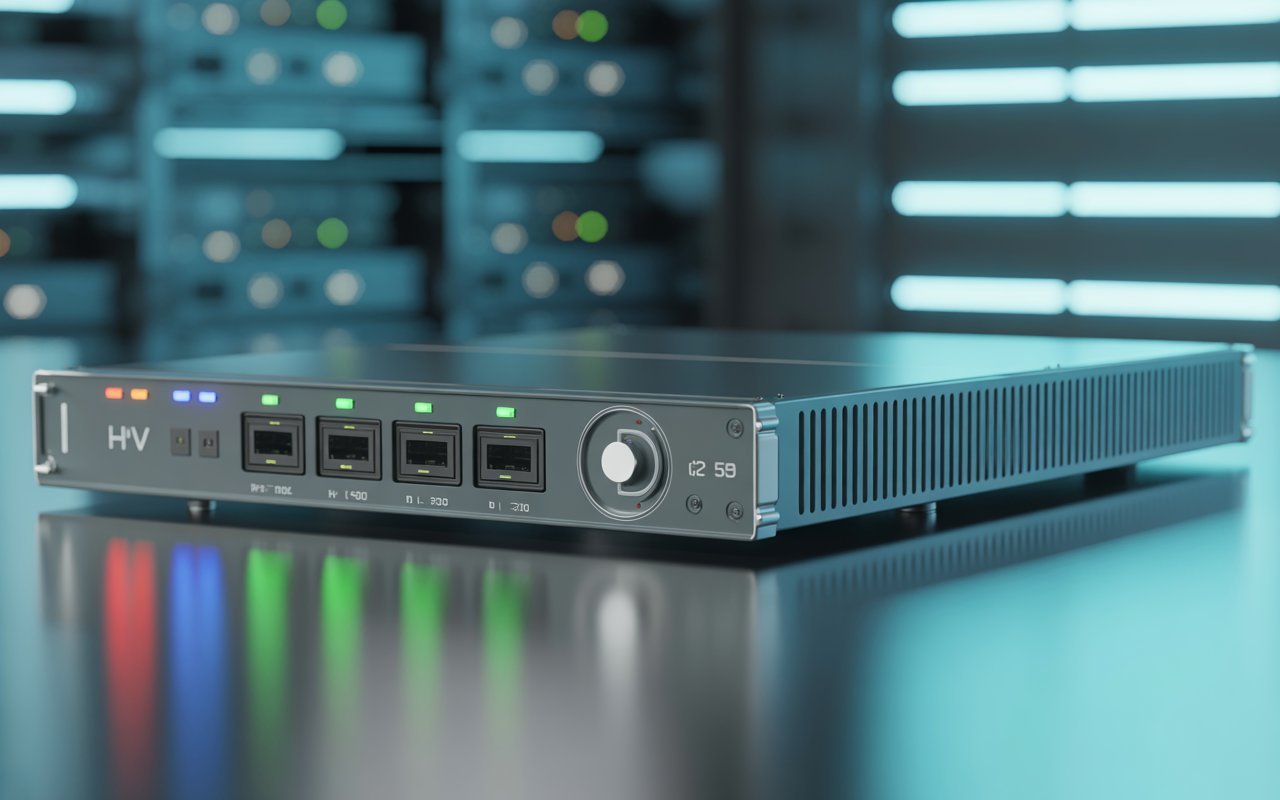
IPTV encoders are the workhorses of any modern video distribution network. They take a video signal from a source like a camera, computer, or satellite receiver and convert it into a digital format that can be streamed over an IP network. This process is crucial for broadcasters, hotels, schools, IPTV operators, and businesses that need to deliver high-quality video to their audiences reliably.
This guide will explain why a premium IPTV encoder is often the right choice. We’ll explore the advanced features that command a higher price, identify who needs these powerful devices, and compare the top models on the market. By the end, you’ll understand the real value behind a professional-grade encoder and be equipped to make an informed investment.
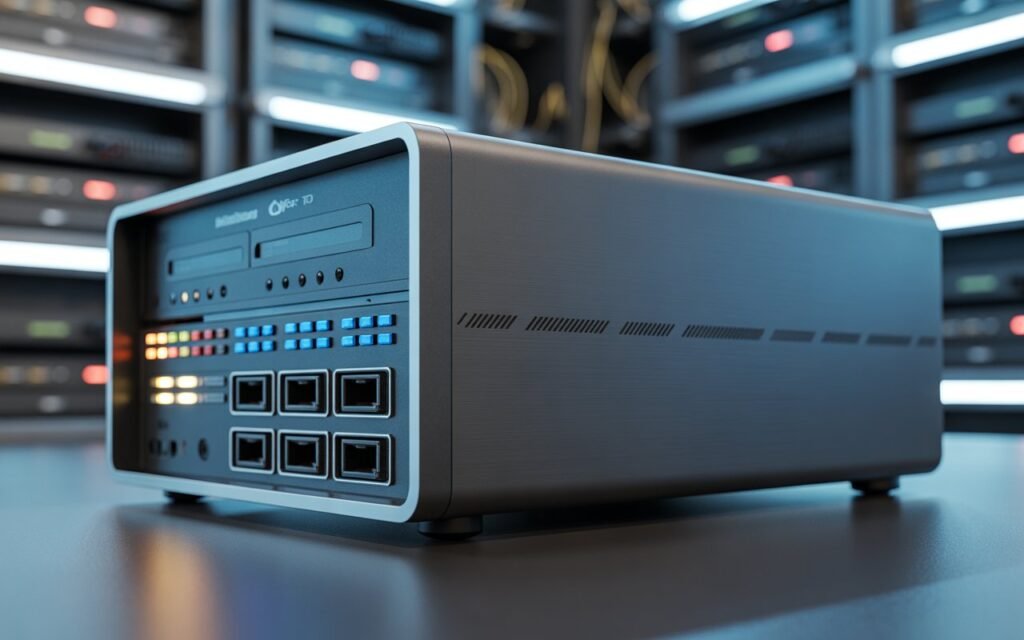
What Makes an IPTV Encoder Cost Over $2500?
The price gap between a basic encoder and a high-end one is significant, but it’s justified by a leap in performance, reliability, and feature set. Budget encoders are fine for simple, non-critical streams, but they can’t match the capabilities required for professional, 24/7 operations.
Here’s a look at the premium features that push an encoder into the $2500+ category:
- Broadcast-Grade Video Quality: Premium encoders use superior processing chips and advanced algorithms to compress video with minimal loss of quality, delivering a crisp, clear picture that viewers expect.
- HEVC/H.265 & 4K/8K Support: High-efficiency video coding (HEVC) is essential for streaming ultra-high-definition (UHD) 4K and 8K content without consuming excessive bandwidth. This is a standard feature in high-end models.
- Multi-Channel Encoding: Many professional encoders can process multiple video streams simultaneously in a single chassis. This is vital for IPTV headends, sports venues, and broadcasters managing numerous feeds.
- HDMI + SDI Inputs: While consumer devices use HDMI, the professional world relies on SDI (Serial Digital Interface) for its locking connectors and ability to run over long cable distances. Premium encoders offer both.
- Redundant Power Supply: For mission-critical, 24/7 streaming, a power supply failure is not an option. Redundant power supplies ensure the encoder stays online even if one power unit fails.
- Low Latency Modes: Applications like live sports and remote production demand near-instantaneous video delivery. High-end encoders feature ultra-low latency modes to minimize delay.
- Professional-Grade Cooling Systems: Continuous operation generates significant heat. Premium encoders are built with robust cooling systems to prevent overheating and ensure long-term stability.
- Advanced Network Protocols: Support for modern protocols like Secure Reliable Transport (SRT), RTMP, and HLS is standard. SRT, in particular, offers secure, low-latency streaming over unpredictable public networks.
Who Actually Needs an IPTV Encoder Over $2500?
While a solo streamer might not need this level of hardware, many industries depend on the reliability and performance that premium encoders provide.
- IPTV Service Providers & OTT Platforms: These operators serve thousands of subscribers and require a stable headend that can run 24/7 without fail. Multi-channel encoders with redundant power are the industry standard.
- Hotels & Hospitality IPTV Systems: Hotels distribute live TV channels, on-demand movies, and promotional content to hundreds of rooms. A professional rack-mounted encoder is essential for managing these feeds reliably.
- Corporate Training & Event Streaming: Companies streaming high-stakes town halls, investor meetings, or global training events cannot afford technical glitches. The quality of the stream reflects the brand’s professionalism.
- Universities and Large Educational Institutions: Campuses use IPTV to stream lectures, broadcast campus events, and distribute educational content across multiple buildings. A centralized, high-channel-count encoder is often required.
- Churches and Religious Streaming: Many houses of worship broadcast services to a global congregation. They need reliable encoders that are easy to operate and deliver a high-quality experience to remote viewers.
- Sports Venues: Stadiums and arenas need to stream live game feeds to scoreboards, concession stand TVs, and broadcast partners simultaneously. Low latency and multi-camera support are critical.
- Broadcasters and Professional Production Studios: For television stations and production houses, video quality is paramount. They rely on encoders with SDI inputs, timecode support, and broadcast-grade compression.
- Government & Public Service Media: Government agencies use IPTV for public announcements, internal communications, and surveillance feeds. Reliability and security are top priorities.
Key Specifications to Look for in High-End IPTV Encoders
When you’re evaluating encoders in the $2500+ price range, these are the technical specifications that matter most.
Inputs
The type of video input determines what sources you can connect. HDMI is common for consumer devices, but SDI is the professional standard due to its robust, locking connector and ability to handle long cable runs (over 100 meters). Some advanced encoders also support NDI (Network Device Interface) for receiving video over an IP network.
Video Compression
H.264/AVC is still widely used and compatible with most devices. However, H.265/HEVC is the modern standard. It offers up to 50% better compression efficiency, meaning you can stream higher-quality video using less bandwidth. For 4K and 8K streaming, HEVC is a must.
Resolution
Your encoder must support the resolution of your source and your target audience. 1080p (Full HD) is the current standard for most web streaming, but 4K is quickly becoming expected for premium content. 8K is emerging for high-end productions and future-proofing.
Multi-Bitrate Encoding (Adaptive Streaming)
This feature allows the encoder to create multiple versions of the same stream at different bitrates and resolutions. A player can then automatically switch between these versions depending on the viewer’s internet speed, ensuring a smooth playback experience. This is crucial for reaching a broad audience on platforms that support HLS or DASH.
Audio Formats
Ensure the encoder supports standard audio formats like AAC, which offers a good balance of quality and compression for streaming. Uncompressed formats like PCM are also important for professional workflows.
Protocols
The encoder should support a range of streaming protocols to ensure compatibility. RTMP is still required for streaming to many social media platforms. HLS is standard for web delivery to a large audience. SRT is the preferred choice for high-quality, low-latency contribution feeds over the public internet. RTP/UDP Multicast is essential for internal IPTV networks in hotels and enterprises.
Hardware vs. Software Encoding
High-end encoders almost always use dedicated hardware encoding. The processing is done on a specialized chip, which is far more efficient and reliable for 24/7 operation than software encoding that runs on a general-purpose CPU.
Top IPTV Encoders Over $2500 (2025 Buyer’s Guide)
Here are some of the leading professional IPTV encoders that deliver the performance and reliability required for demanding applications.
1. VECASTER-4K HEVC HDMI IPTV Encoder
- Price: ~$2,995
- Inputs & Outputs: 1x HDMI 2.0 input, IP output
- Supported Resolutions: Up to 4K @ 60fps
- Compression: H.265/HEVC, H.264/AVC
- Best Use-Case: Single-channel 4K live streaming for corporate events, churches, or adding a 4K UHD channel to an IPTV system.
- Pros: Excellent 4K HEVC quality, reliable for 24/7 operation, easy setup.
- Cons: HDMI input only, single-channel.
2. Teradek Cube / Prism Series
- Price: ~$3,000 – $8,000+
- Inputs & Outputs: HDMI and/or 3G/12G-SDI, IP output
- Supported Resolutions: Up to 4K @ 60fps
- Compression: H.265/HEVC, H.264/AVC
- Best Use-Case: Professional broadcasting, live event production, and low-latency point-to-point streaming.
- Pros: Ultra-low latency, robust build quality, excellent SRT support, cloud management platform.
- Cons: Higher price point, can be complex to configure.
3. Haivision Makito X4
- Price: ~$12,000+
- Inputs & Outputs: 4x 12G-SDI inputs, IP output
- Supported Resolutions: 4x 4K channels or multiple 1080p streams
- Compression: H.265/HEVC, H.264/AVC
- Best Use-Case: Broadcast contribution, high-density encoding for IPTV headends, and remote production.
- Pros: Extremely powerful and dense, broadcast-grade reliability, market leader in SRT.
- Cons: Very expensive, overkill for smaller operations.
4. Magewell Ultra Encode Pro 4K
- Price: ~$1,300 (Note: While slightly under the $2500 mark, it competes with models above it).
- Inputs & Outputs: 1x HDMI 2.0, 1x 3G-SDI, IP output
- Supported Resolutions: Up to 4K @ 30fps (HDMI) or 1080p @ 60fps (SDI)
- Compression: H.265/HEVC, H.264/AVC
- Best Use-Case: Versatile single-channel encoding for education, corporate, and live events where both HDMI and SDI sources are used.
- Pros: Both HDMI and SDI inputs, NDI|HX support, very flexible protocol support.
- Cons: 4K is limited to 30fps on HDMI.
5. Kiloview N60 / N50 Series
- Price: ~$1,500 – $3,500
- Inputs & Outputs: HDMI/SDI to NDI (N60), NDI to HDMI/SDI (N50)
- Supported Resolutions: Up to 4K @ 60fps
- Compression: NDI (full bandwidth and NDI|HX)
- Best Use-Case: Integrating baseband video sources into an NDI-based production workflow or vice versa.
- Pros: Full NDI support for highest quality, low latency, robust build.
- Cons: Primarily focused on the NDI ecosystem.
IPTV Encoder Over $2500 vs. Budget Encoders
The differences between a sub-$500 encoder and a $2500+ model are stark.
| Feature | IPTV Encoder Over $2500 | Budget Encoder |
|---|---|---|
| Video Quality | Broadcast-grade, minimal artifacts | Visible compression artifacts, softer image |
| Inputs | HDMI & professional SDI | HDMI only |
| Durability | Rack-mountable metal chassis | Small plastic or aluminum case |
| Reliability | Designed for 24/7 uptime | Prone to overheating and crashing |
| Cooling | Active fan systems, large heatsinks | Passive cooling or small, noisy fans |
| Firmware | Regular updates, stable, feature-rich | Infrequent or no updates, buggy software |
| Capacity | Often multi-channel capable | Single channel only |
| Latency | Low and ultra-low latency modes | High latency (several seconds) |
How to Choose the Right IPTV Encoder Over $2500
Use this checklist to narrow down your options:
- Determine Your Resolution Needs: Do you need 1080p today and 4K tomorrow? Choose an encoder that supports your future goals.
- Choose Your Input Type: Are your sources cameras with SDI outputs or computers with HDMI? Get an encoder that matches.
- Insist on HEVC (H.265): This is non-negotiable for efficient, high-quality streaming, especially for 4K.
- Check for SRT Support: If you’re streaming over the public internet, SRT provides reliability that RTMP can’t match.
- Evaluate Channel Count: Do you need to encode one stream or four? A multi-channel encoder can be more cost-effective than multiple single-channel units.
- Consider Brand Reputation & Support: Choose a brand known for reliability and responsive technical support.
- Think About Scalability: Will your needs grow? Some systems allow you to add more encoding blades later.
- Verify the Warranty: A professional product should come with a solid warranty (typically 1-3 years).
Installation & Setup Tips
- Rack-Mounting: Install the encoder in a standard 19-inch rack with adequate ventilation. Leave at least one rack unit of space above and below for airflow.
- Network Configuration: Assign a static IP address to the encoder for stable access. Ensure your network switch has enough bandwidth to handle the output streams.
- Bitrate Settings: For a high-quality 1080p stream, start with a bitrate of 4-6 Mbps (H.264). For 4K, a starting point is 15-20 Mbps (HEVC).
- Avoid Latency: Use low-latency protocols like SRT or RTMP. For internal networks, UDP or RTP can provide the lowest delay.
- Test and Monitor: Before going live, run a test stream for an extended period. Monitor the output to check for dropped frames, artifacts, or audio sync issues.
Your Investment in Quality
Investing in an IPTV encoder over $2500 is a decision to prioritize reliability, quality, and peace of mind. While a cheaper encoder might seem sufficient for simple tasks, it becomes a liability in a professional environment where downtime costs money and damages your reputation.
For broadcasters, large enterprises, and serious IPTV operators, a professional-grade encoder isn’t just a piece of hardware; it’s the foundation of your video delivery infrastructure. By carefully evaluating your needs and choosing a model with the right features and proven reliability, you ensure that your content reaches your audience exactly as intended, every time.